A great t-shirt design is more than good artwork. It is the right idea for the right audience, printed in the right place, on a shirt that fits well. Follow these steps from concept to production.
Key takeaways
- Start with the idea and audience, then build print-ready artwork with a limited, high-contrast palette.
- Placement, shirt fit and fabric weight change the design as much as the artwork does.
- Choose the print method to match design and fabric, then approve a washed sample.
1. Start with the idea and audience
Who will wear it and where? A gym tee, a band tee and a minimalist brand tee need very different designs. Write one sentence describing the feeling the shirt should give.
2. Collect references
Gather designs, typography, colour palettes and shirts you like. Note what works: placement, scale, colours, texture.
3. Sketch and create the artwork
Sketch several directions quickly, then develop the strongest. Create logos and text as vectors, and detailed illustrations at high resolution. Our artwork preparation guide covers file formats and sizes.
4. Choose colours carefully
- Fewer colours look bold and can lower screen printing cost.
- Full-colour artwork suits DTG or DTF.
- Check contrast against the shirt colour.
5. Decide placement and size
Left chest, full front, back or sleeve? Placement changes the whole feel. See our print placement guide.
6. Choose the shirt
| Choice | Consider |
|---|---|
| Fit | Regular, slim, oversized or boxy |
| Fabric weight | Lightweight and soft, or heavyweight and structured |
| Colour | How the design reads on it |
| Blank or custom | Blanks are quick; cut and sew gives you a signature fit |
Explore options on our custom t-shirts page.
7. Make mockups
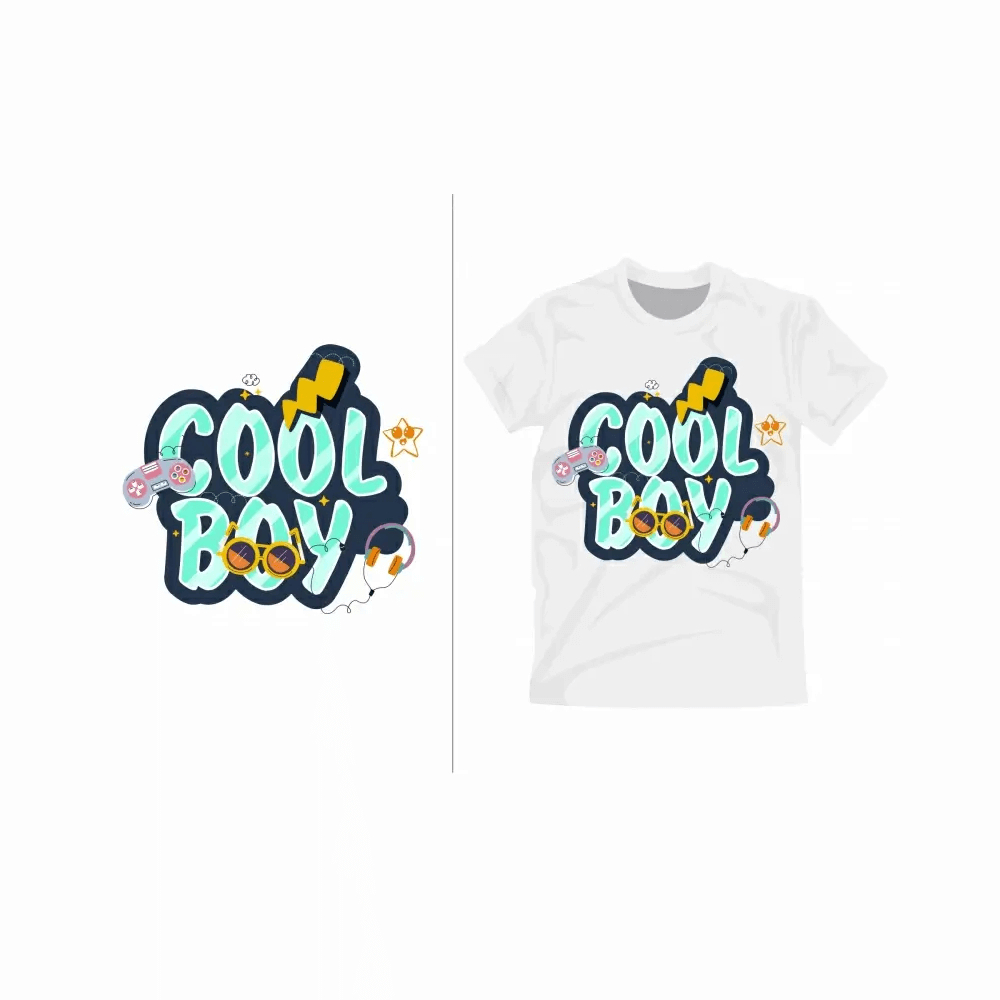
Place the design on a mockup of your shirt colour to check scale and placement. Show it to people in your audience for feedback.
8. Choose the decoration method
Match method to design and fabric. Compare options on our printing methods page, or consider embroidery for small logos (see embroidery vs screen printing).
9. Sample, then produce
Order a sample to check print quality, colour and fit, and wash it before approving. With us, samples take 7 to 10 business days and bulk production 2 to 4 weeks after approval.
More in our Start Your Brand guides
Frequently asked questions
What software do I need to design a t-shirt?
Vector design software is ideal for logos and text, and raster software suits detailed illustrations. Beginners can start with simpler design tools, then have files cleaned up for production.
How many colours should a t-shirt design have?
Fewer colours usually look bolder and can reduce screen printing cost. Full-colour designs are possible with DTG or DTF printing.
What size should a t-shirt print be?
It depends on placement and style. Left chest logos are small, full-front graphics are larger. Always confirm size on a sample across small and large shirt sizes.
Do I need a custom t-shirt or a blank?
Blanks are quick and simple. A custom cut and sew tee gives you your own fit, fabric weight and details, which many brands use for their signature piece.
Designed your tee?
Send your artwork and we will recommend shirt, fabric and print method, with an itemized quote within 24 hours, from 50 pieces per design.
Get a T-Shirt Quote